Mockup vs wireframe vs prototype comes down to fidelity and behaviour: a wireframe shows structure, a mockup shows the visual design as a static picture, and a prototype shows how the design responds to interaction.
The wider guide on what is a design mockup covers the first of these in depth, while this page sets out where each deliverable fits in a project and what question each one answers.
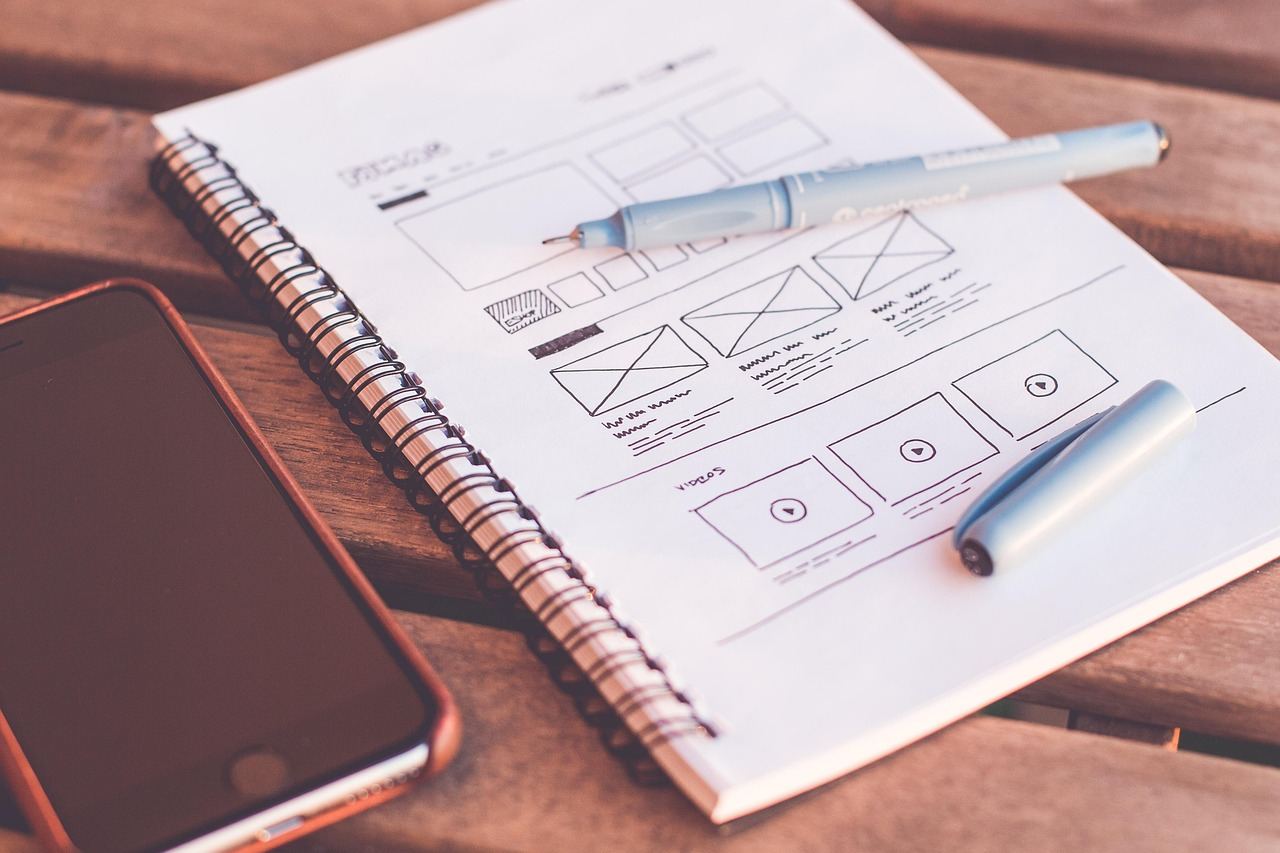
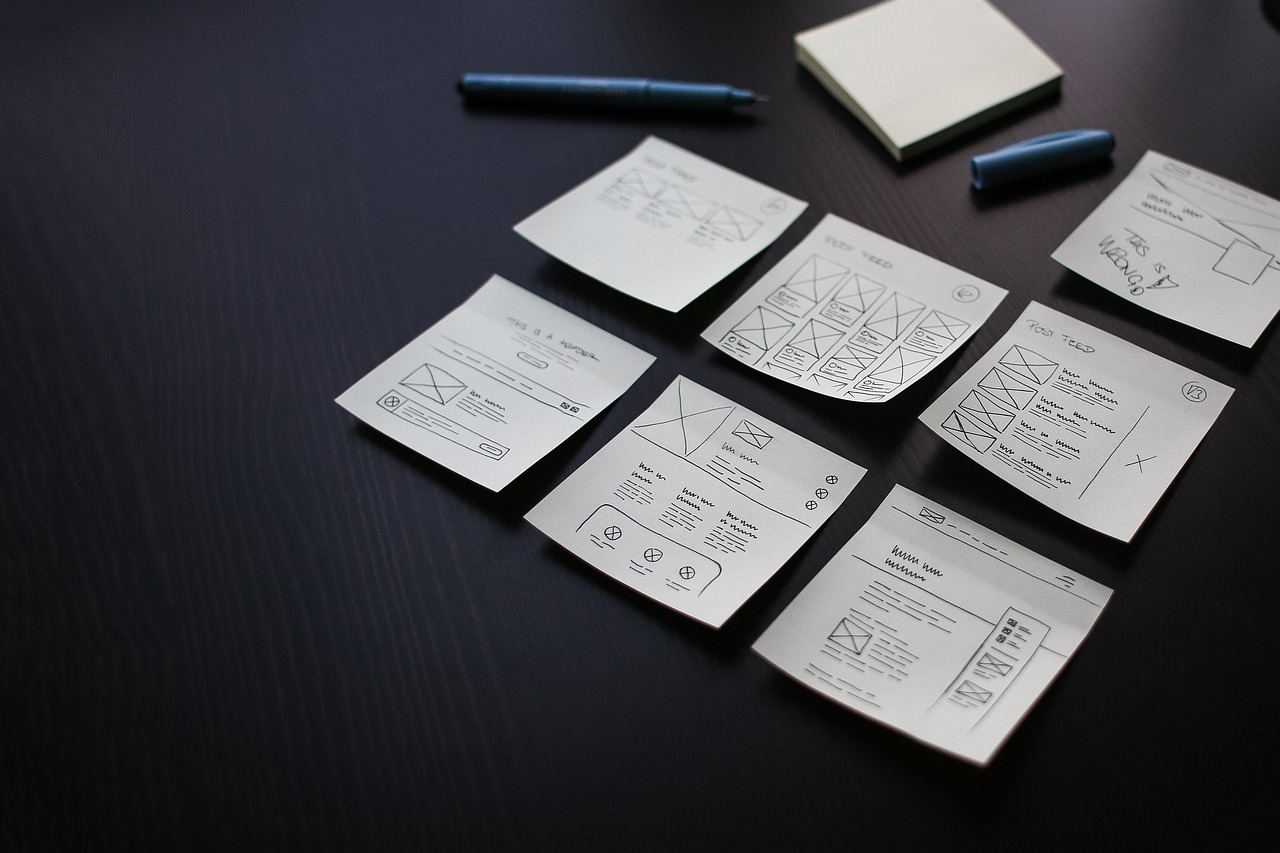
Wireframes: structure before style
The Nielsen Norman Group glossary defines a wireframe as a skeletal outline of a design layout used to represent the structure and functionality of an interface before visual design is considered. The NN/G glossary of UX deliverables treats the wireframe, the mockup and the prototype as related but separate items.
Because a wireframe leaves out colour, type choices and photography, discussion stays on what belongs on a screen and where. Questions about hierarchy, grouping, navigation and content priority get settled when changes cost almost nothing. Boxes can be moved, merged or deleted in minutes, and nobody is tempted to argue about a shade of blue that does not exist yet.
A wireframe is also the right artefact for early conversations with people who are not designers. A product owner can confirm that a screen holds the right information without being distracted by styling. When the layout is agreed, it becomes the brief for the visual stage.
A useful wireframe stays honest about what it does not decide. Labels such as headline, image or button group show the role of each block, and placeholder text keeps attention on proportion rather than wording. Annotations can record rules that the picture cannot carry, such as which blocks stay on screen while scrolling or what appears when a list is empty. Those notes travel forward into the later stages, so they save questions during build.
Mockups: the visual design in a static picture
The same glossary describes a mockup, also called a UI mockup or design comp, as a static, high-fidelity simulation of a proposed UI design that includes visual-design details such as colors and imagery. Two words in that definition matter. Static means nothing responds when it is clicked. High-fidelity means it looks like the intended product.
A mockup is where typography, spacing, colour, imagery and iconography are decided together. It lets a team or client judge the look as a whole, check contrast and legibility, and see whether a brand holds together across the layout. Since it is a picture, it can be produced and revised quickly in a design tool, and it is the usual basis for sign-off on appearance.
The word is also used for a related practice: placing a design into a realistic scene, such as a screen on a phone or a poster on a wall, to present it in context. Placing artwork into a layered scene is commonly done with a photoshop smart object mockup, and screens shown on phones and laptops are covered in the guide to device mockups. Both uses share the same idea: a still image that shows how the design will look rather than how it works.
Because a mockup is still a picture, it hides everything that happens between screens. Hover states, loading states, error messages and transitions are absent unless separate frames are drawn for each. A review of a mockup should therefore be framed around appearance and consistency, and any claim about ease of use should wait for a prototype and real people trying tasks.
Prototypes: testing how it behaves
The glossary defines a prototype as an early version of a design used to test and validate ideas, interactions, and functionality. Where the wireframe and mockup answer what and how it looks, the prototype answers whether people can actually use it.
Figma’s help centre explains the purpose in similar terms: its prototyping features allow you to create interactive flows that explore how a user may interact with your designs, as described in the Guide to prototyping in Figma. The same page lists uses such as previewing interactions and user flows, getting feedback from collaborators and testing interactions with users.
NN/G frames the reasoning in cost terms in its article on low and high fidelity prototypes: ripping up code is very expensive, while ripping up a prototype is not, especially if it is just a piece of paper. A prototype is a cheap way to find problems before they are built.
Fidelity is a spectrum, not a label
The three names are convenient, but real deliverables blur them. NN/G explains that the fidelity of a prototype refers to how closely it matches the look-and-feel of the final system, and that fidelity can vary in the areas of interactivity, visuals, and content and commands. A prototype may therefore be high in some areas and low in others.
That framing removes much of the confusion. A wireframe is low-fidelity in visuals. A mockup is high-fidelity in visuals but has no interactivity. A clickable prototype built from wireframes is high in interactivity and low in visuals. A clickable prototype built from finished mockups is high in both.
Low fidelity has real advantages, according to the same article. Low-fidelity prototypes put less pressure on users, designers feel less wedded to them, and stakeholders recognize that the work is not finished yet. Highly polished work carries the opposite risk: when a design looks very polished, it is easy for an executive to say that it looks good and should go live now.
High fidelity earns its place later. The article says that high-fidelity prototypes often look like live software to users, so test participants are more likely to behave realistically, which helps when testing workflow, specific interface components and graphical elements such as type legibility and image quality.
Choosing what to make at each stage
| Deliverable | What it shows | Does it respond? | Question it answers |
|---|---|---|---|
| Wireframe | Layout and structure | No | What goes where? |
| Mockup | Colour, type and imagery | No | How will it look? |
| Prototype | Flows and interactions | Yes, or simulated by a person | Can people use it? |
The definitions behind the table come from the NN/G glossary and the NN/G article on prototype fidelity.
A common order is wireframe, then mockup, then prototype, but it is a habit rather than a rule. A small marketing page may skip the prototype entirely, because there is little to test beyond appearance. A complex application may start with a clickable low-fidelity prototype and add visual design only after the flows work. The choice follows the biggest unanswered question: layout, appearance or behaviour.
The figure below shows the same screen at different stages, which makes the progression easier to read.
Each stage also changes who should be asked for feedback. Wireframes suit comments on content and priorities. Mockups suit comments on look and brand. Prototypes suit observation of real tasks, where watching what people do matters more than what they say.
Handing work to developers is the last place where the three differ. A wireframe tells them the intended structure, a mockup tells them the intended look, and a prototype tells them the intended behaviour. Developers who receive only one of the three have to guess the other two, which is where many mismatches between design and build begin. Pointing each deliverable at the question it answers keeps the hand-off short.
Frequently asked questions
Is a mockup interactive?
No. A mockup is a static, high-fidelity picture of the design. Adding clickable behaviour turns it into a prototype.
Can a wireframe be turned into a prototype?
Yes. Wireframes can be linked into a clickable flow to test structure and navigation before any visual design exists, which gives a low-fidelity prototype.
Which should be made first?
Whichever answers the largest open question. Layout questions suit a wireframe, appearance questions suit a mockup, and usability questions suit a prototype.
Do all projects need all three?
No. Simple projects can combine stages or skip one, while complex products often repeat the cycle several times.